
Color Connect Steam CD Key

$10.15

5 in stock

Description

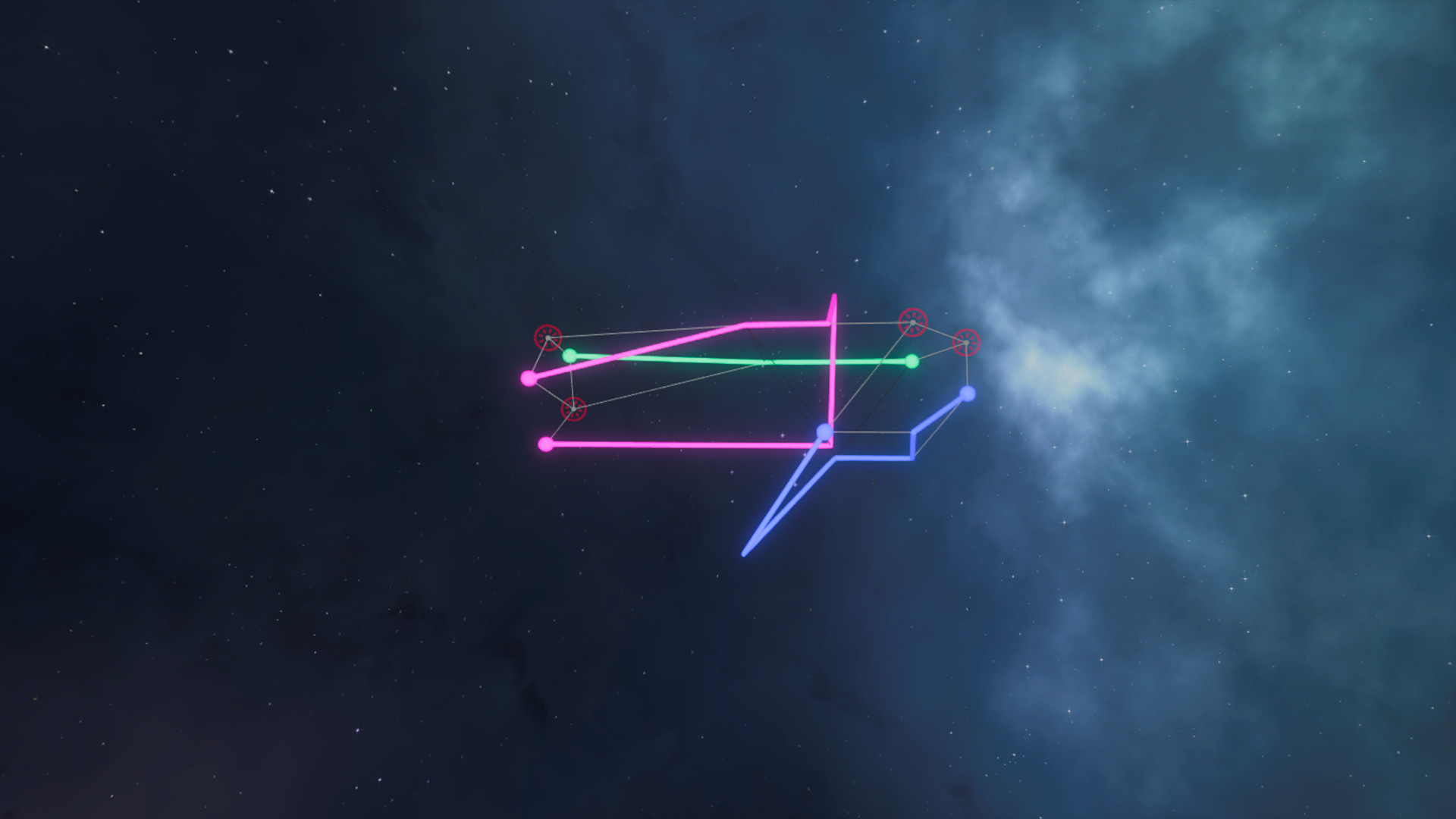
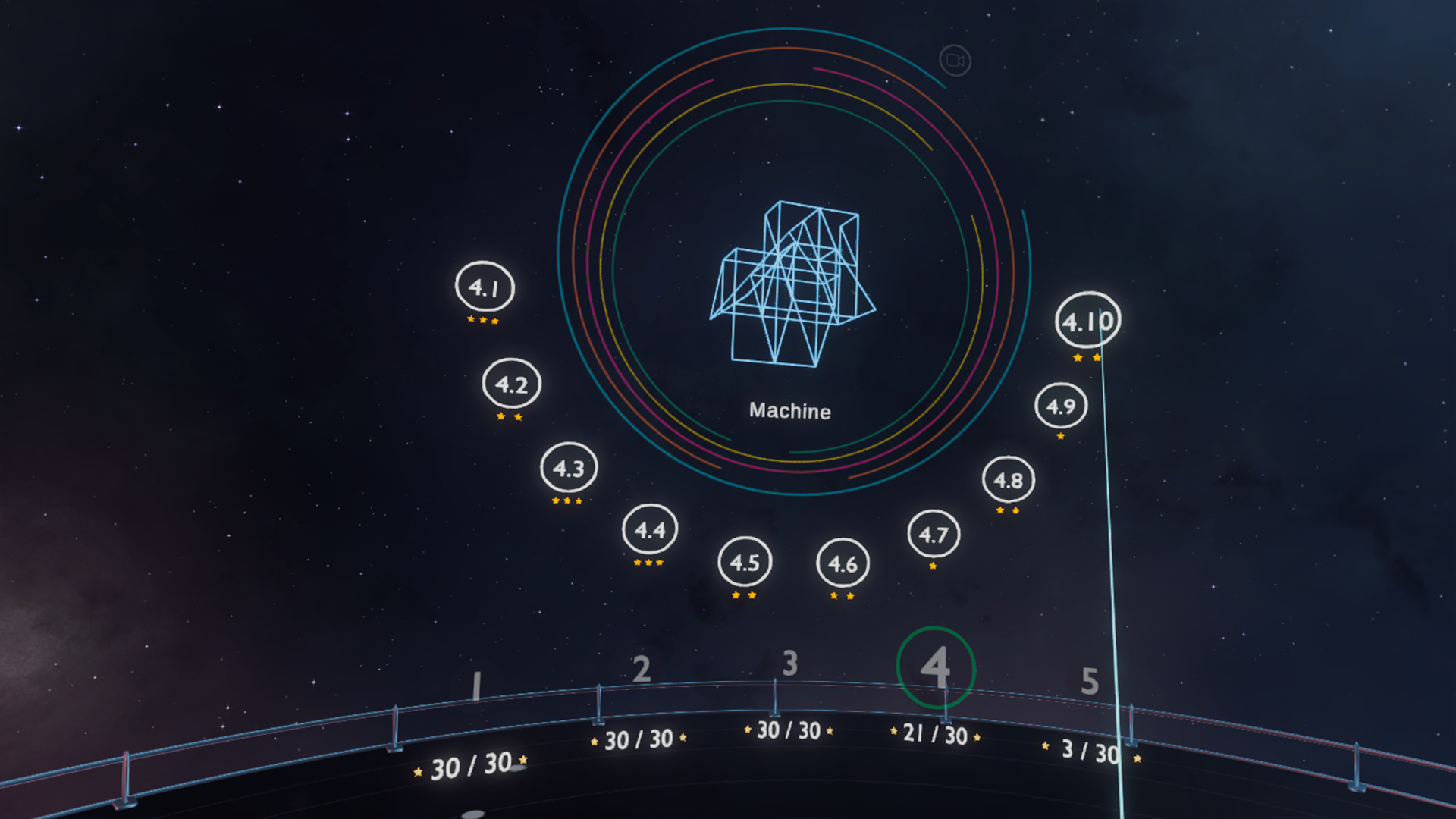
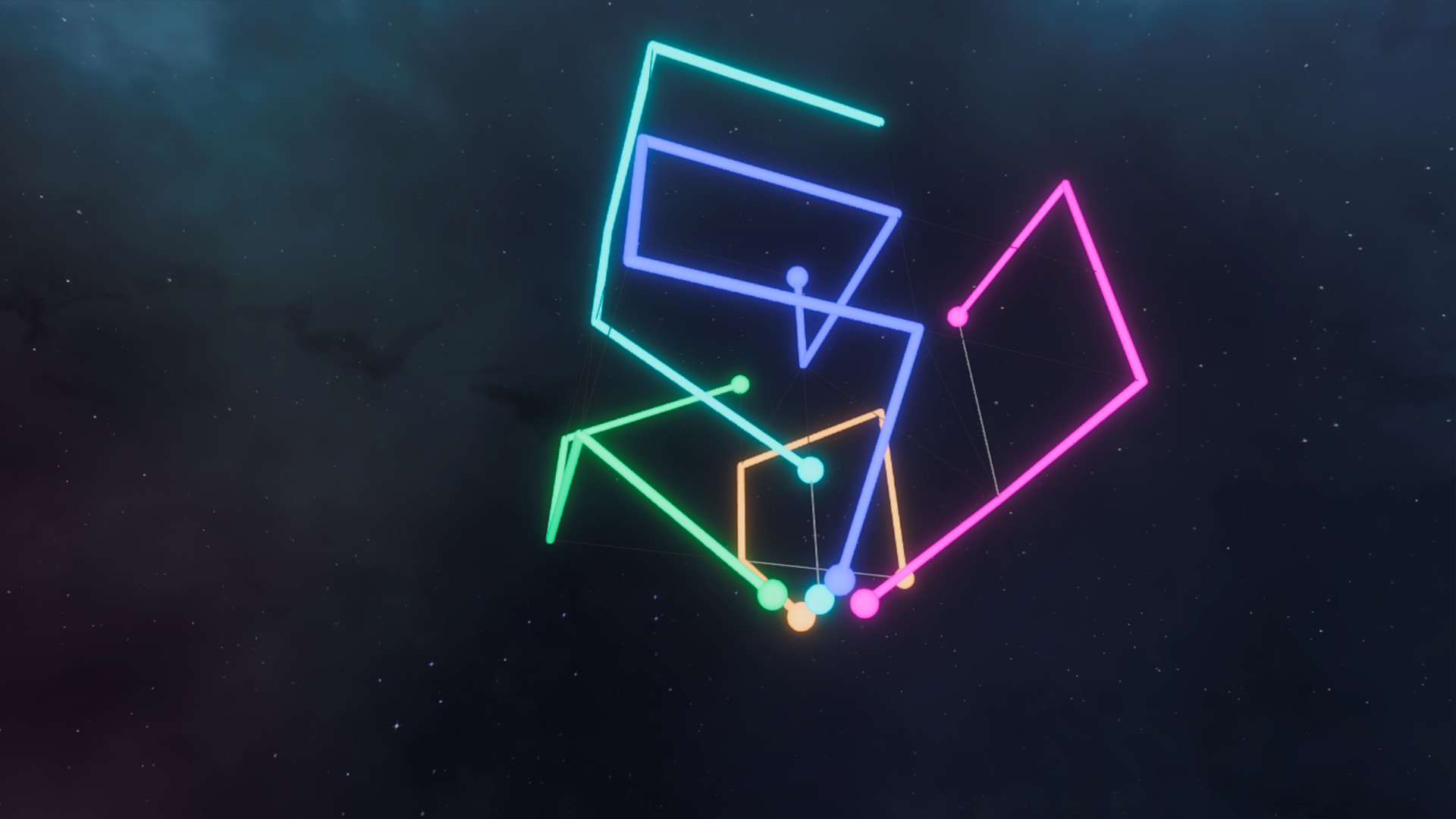
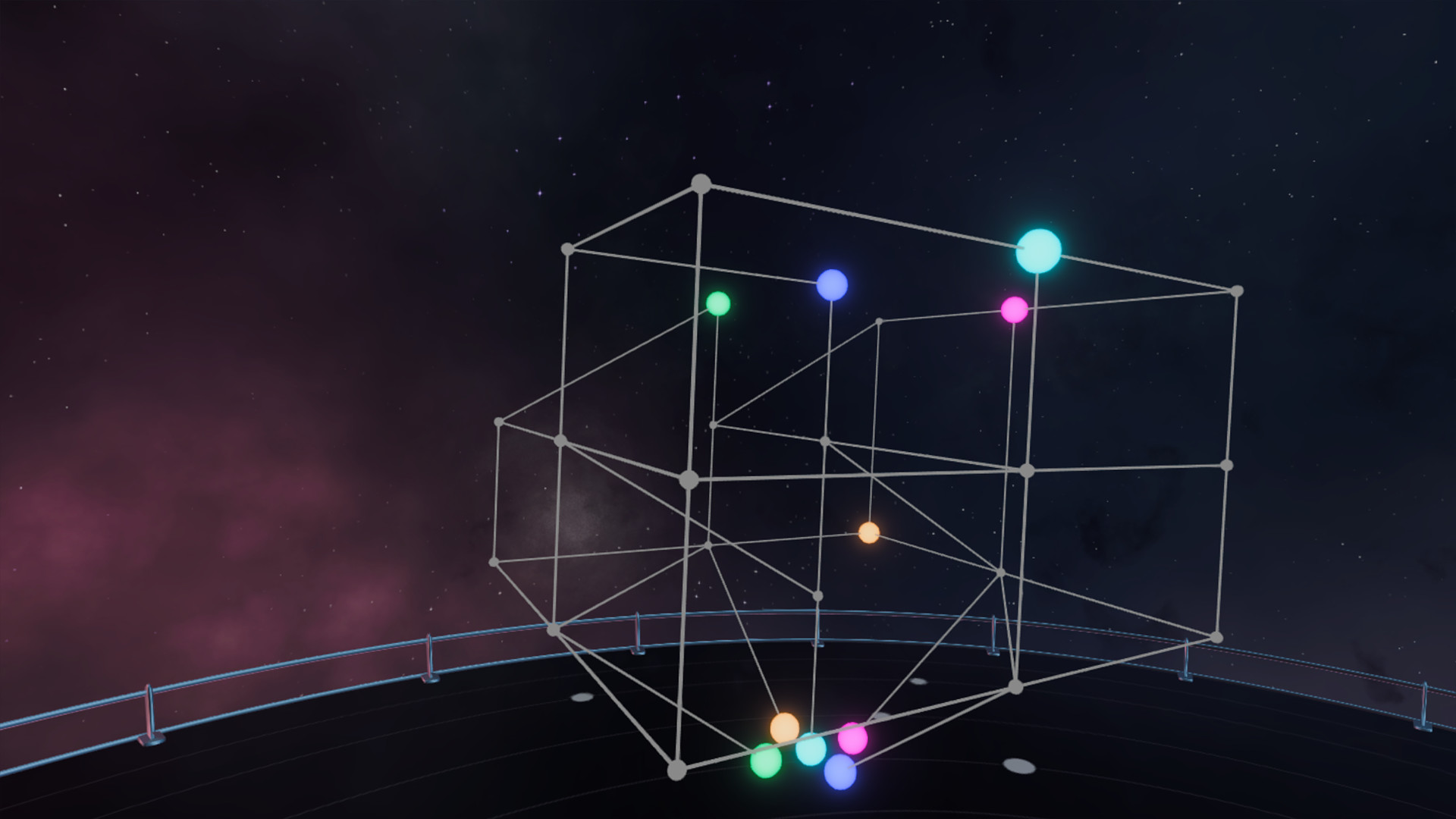
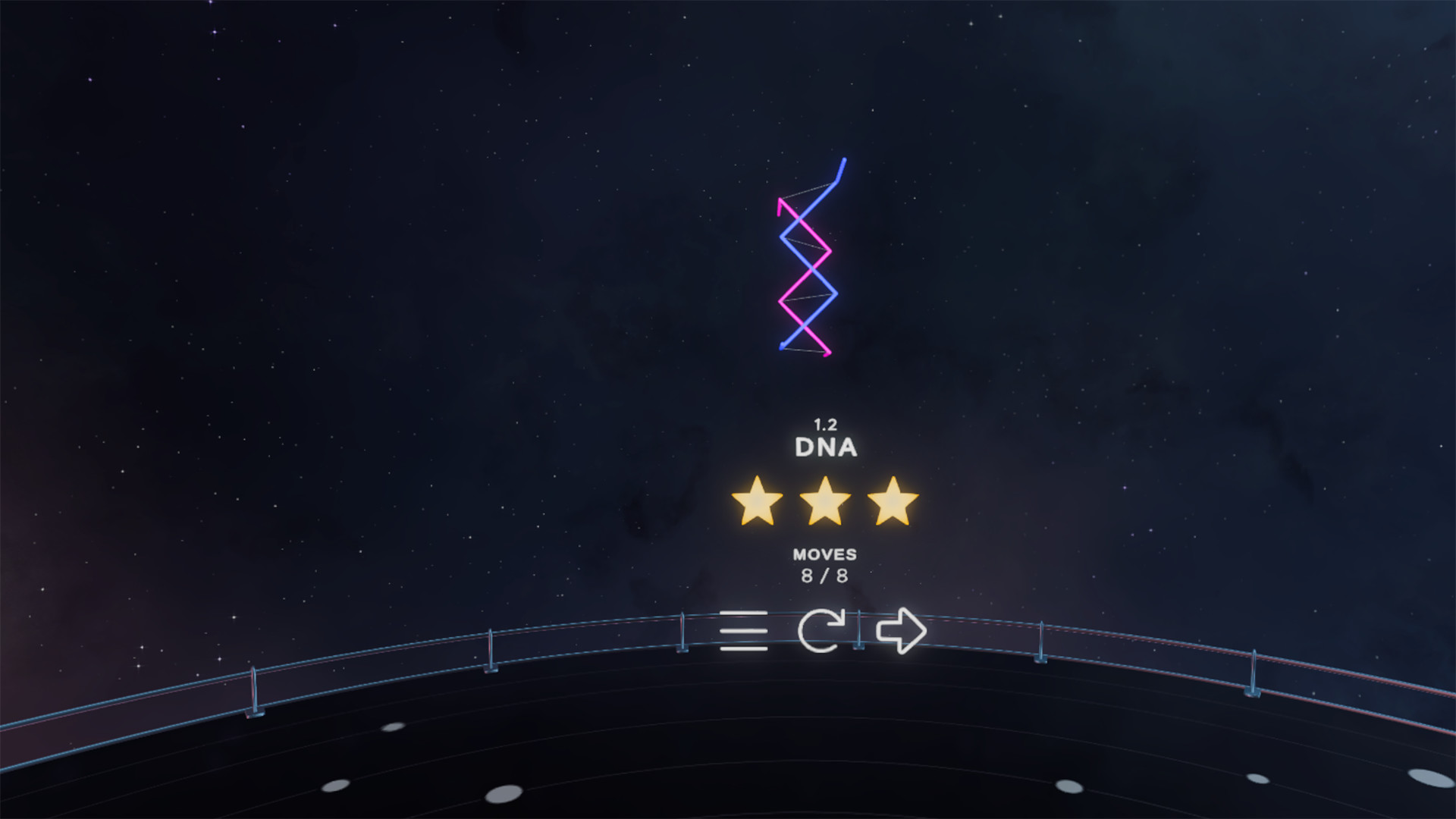
Color Connect – Lose yourself in space with over 50+ challenging puzzles, putting your gray matter to the test – Sit, Solve and Space Out!Sit – Zero gravity and adaptive controls bring the puzzles to you. Kick back after a long day on your couch or dive right in for a 360 degree puzzle solving experience.Solve – You’ll be puzzling for hours with over 50 thoughtfully constructed levels. Logically connect all the colored nodes to progress and earn stars as you go.Space Out – Atop your very own platform surrounded by satellites and stars, the stunning visuals combined with our carefully selected soundtrack will transport you to another galaxy.For the best audio experience we suggest using headphonesHow to play – Connect all ends of the colored nodes, strategically choosing your path with the fewest moves possible. There can be no overlapping of paths and every node must be used to successfully complete the puzzles. It’s simple to learn but challenging to master!

Additional information

Developers

Sandford Tech

Publishers

Sandford Tech

Genres

Casual, Indie, Puzzle, Strategy, VR Games

Platform

Steam

Languages

English

Release date 2021-09-09
Steam Yes
Regional limitations 3

Reviews

There are no reviews yet.

Be the first to review “Color Connect Steam CD Key”

Your email address will not be published. Required fields are marked *

Windows
Minimum: OS: Windows 10 Processor: Intel Core i7-6700 Memory: 6 GB RAM Graphics: Nvidia Geforce GT 9800 DirectX: Version 11 Storage: 500 MB available space VR: Requires one of the following virtual reality headsets: HTC Vive, Oculus Rift, or Valve Index.
Go to: http://store.steampowered.com/ and download STEAM client Click "Install Steam" (from the upper right corner) Install and start application, login with your Account name and Password (create one if you don't have). Please follow these instructions to activate a new retail purchase on Steam: Launch Steam and log into your Steam account. Click the Games Menu. Choose Activate a Product on Steam... Follow the onscreen instructions to complete the process. After successful code verification go to the "LIBRARY" tab and start downloading.