Bikour! Steam CD Key

$0.74

1 in stock

Description

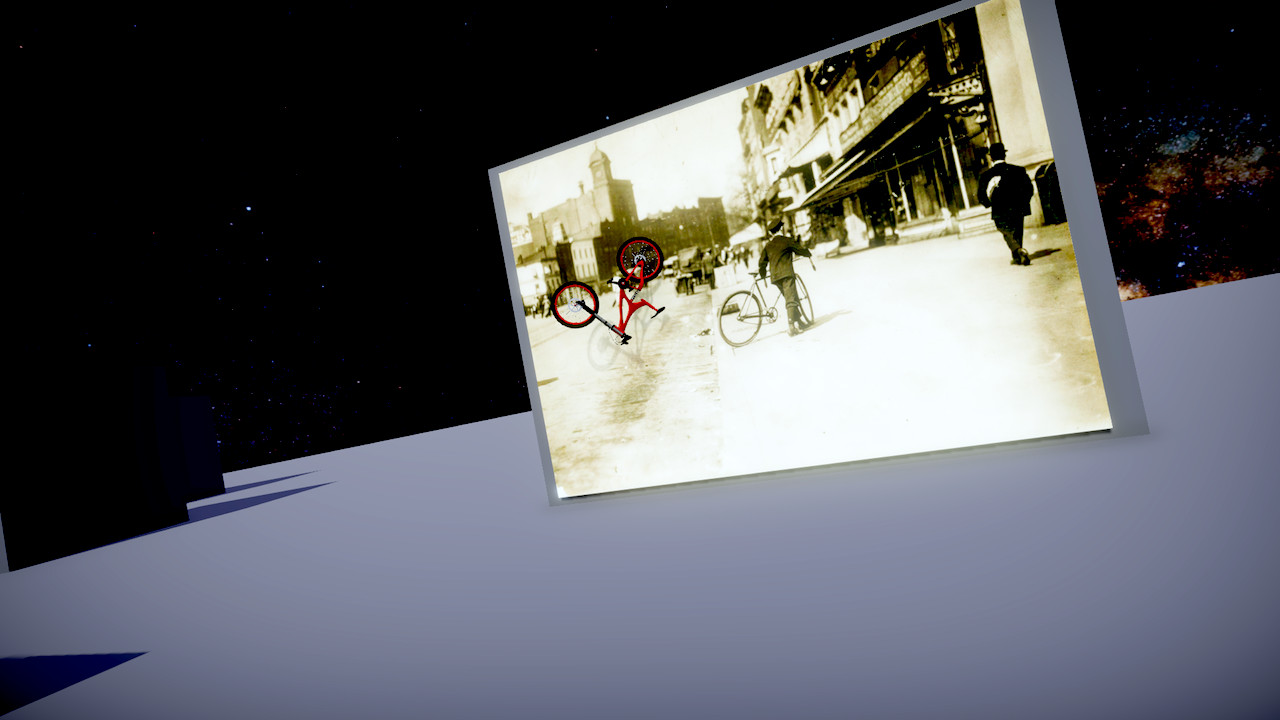
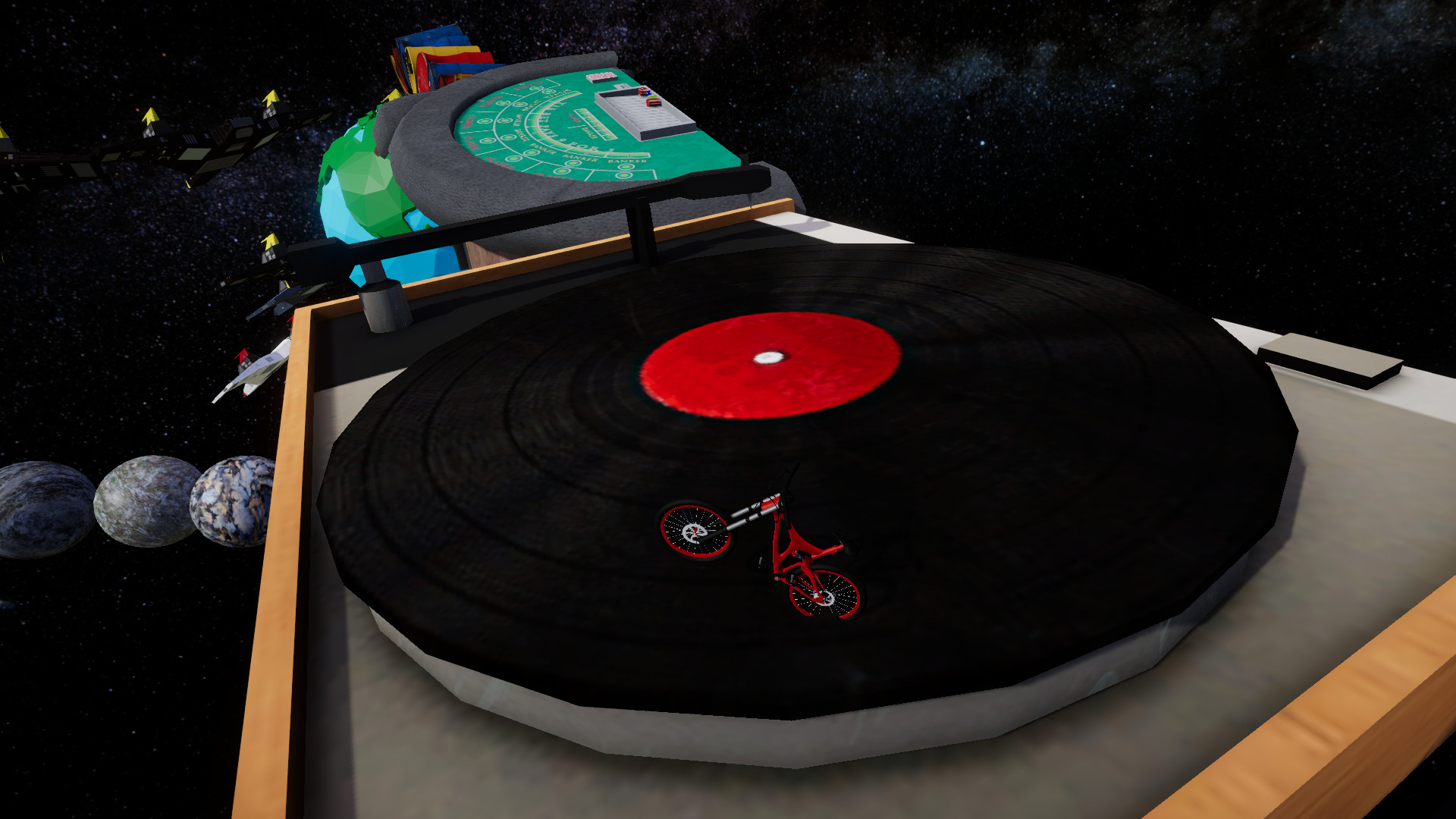
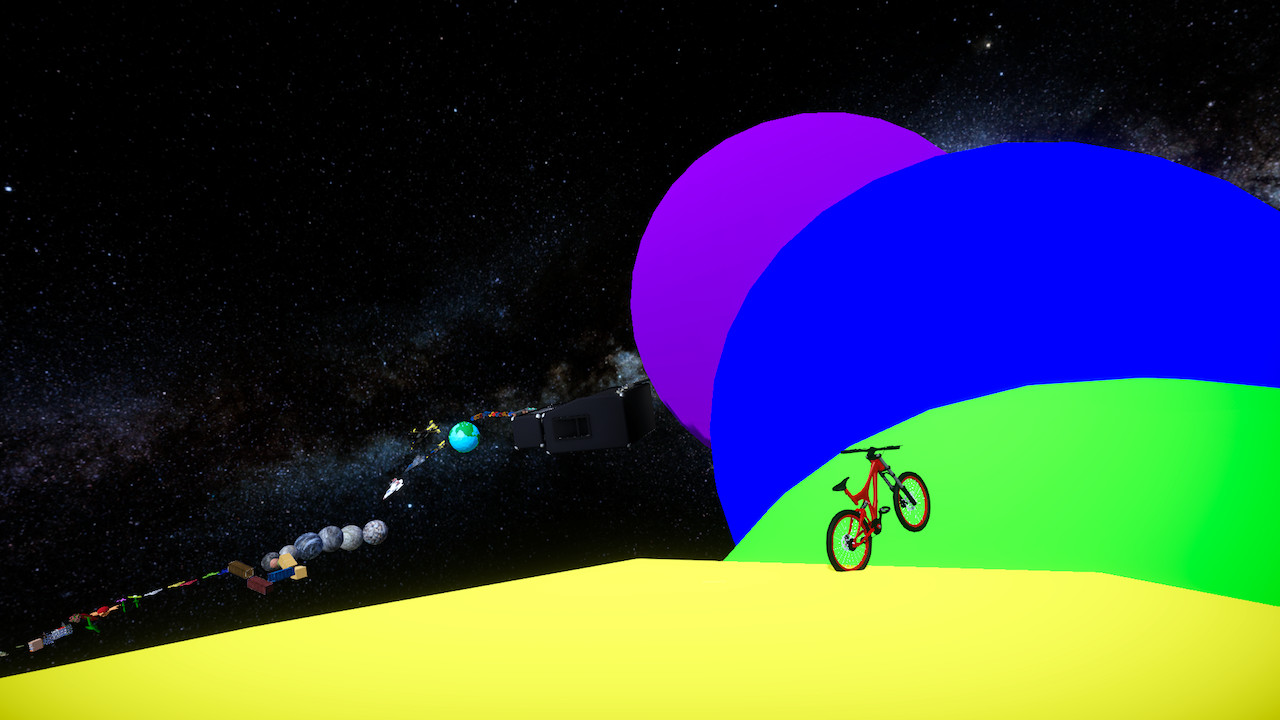
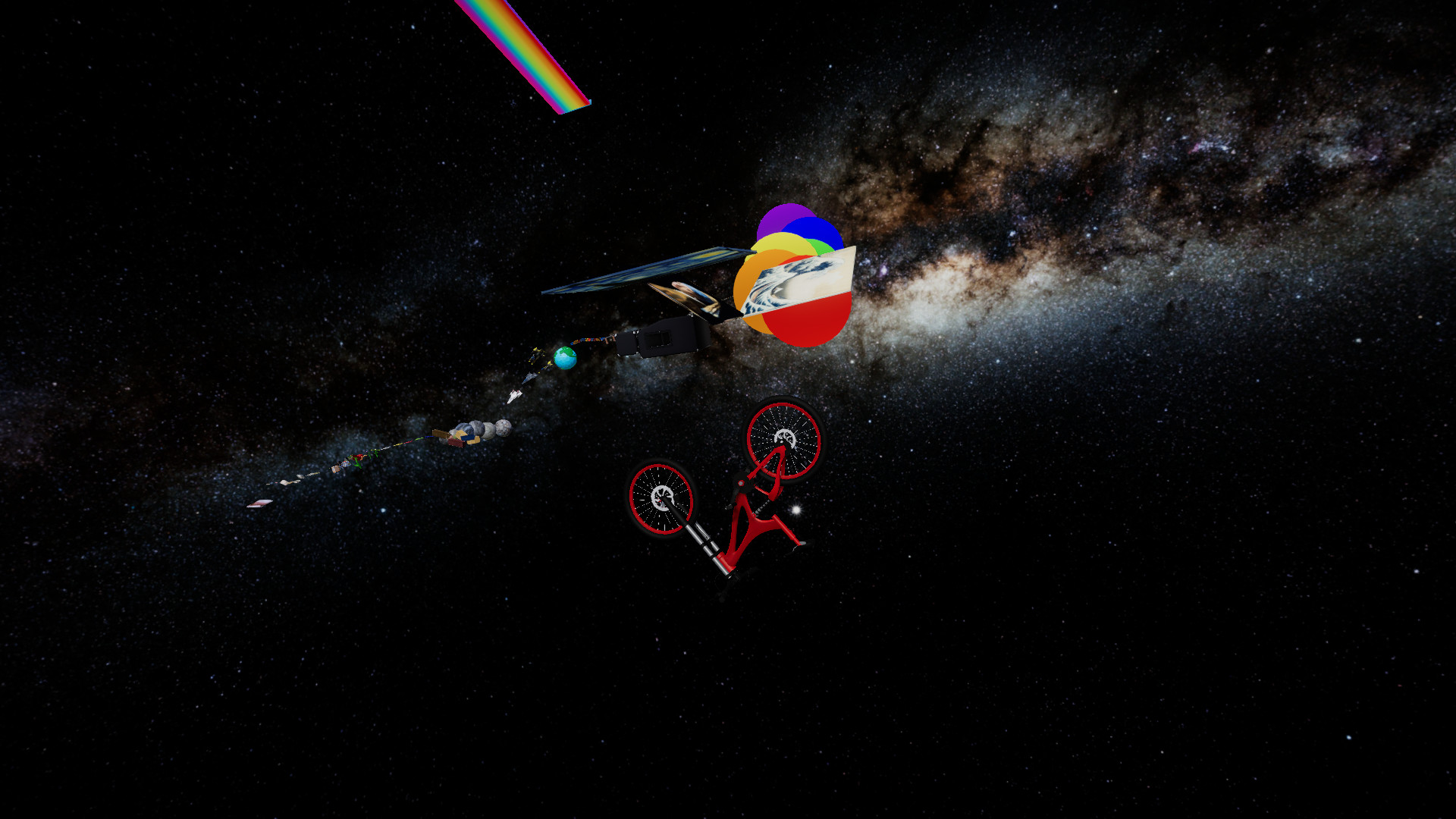
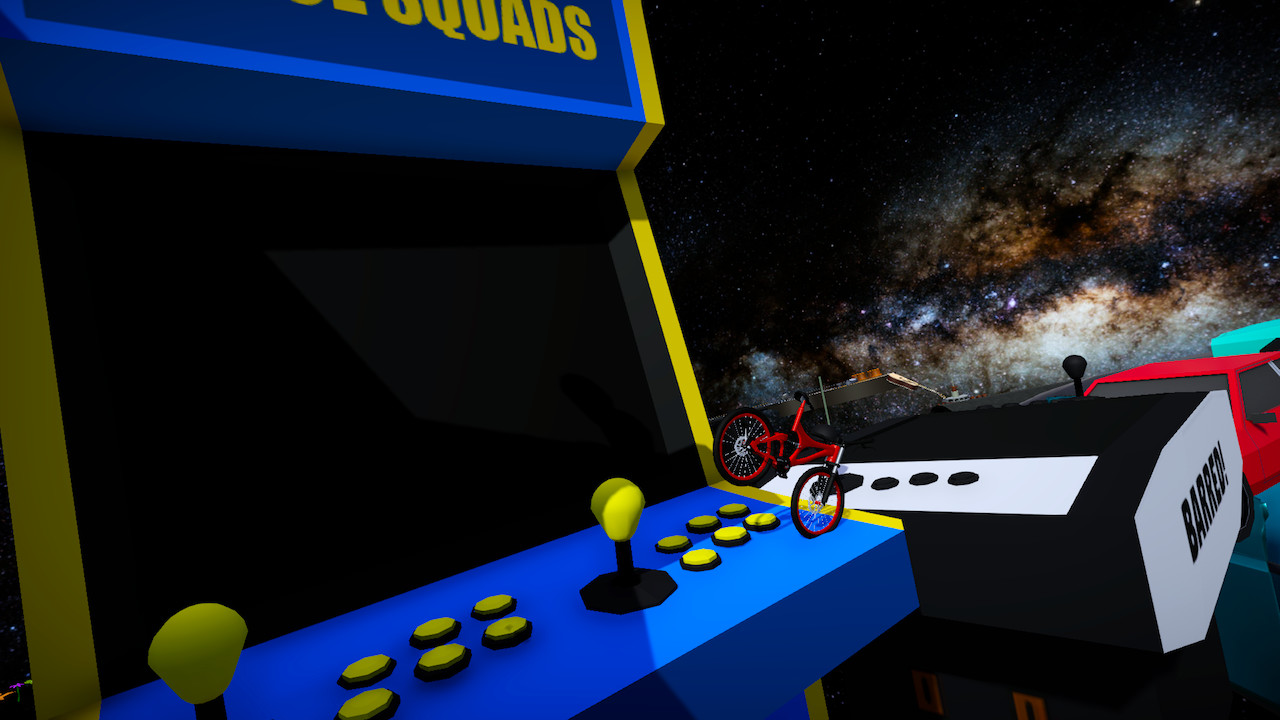
Watch the second trailer to understand how the game is supposed to play once you git gud.Contoller required to play for the time being. Full keyboard support is currently being worked on, thank you for your patience.Grab life by the handlebars as you take control of Bichael, the amped up parkour bicycle that is taking stunts to the max. Feel the intensity as you bunnyhop from obstacle to obstacle with the fear of falling constantly weighing in on your nerves. Become a master and learn to hop, spin, flip, climb your way to victory.The bicycle is now over 200 years old, and to celebrate we made this bodacious game for bike and parkour lovers everywhere. With a gnarly control scheme that is radical to learn and ruthless to master, the righteous physics of this game will have you either jumping for joy, or hanging on for dear life. Just be careful not to scrape your knee.Once you master the controls and are ready for more adventure check out Bike of the Wild.

Additional information

Developers

The Most

Publishers

The Most

Genres

Action, Casual, Indie, Racing, Simulation, Sport, Strategy

Platform

Steam

Languages

English

Release date 2018-01-22
Steam Yes
Regional limitations 3

Reviews

There are no reviews yet.

Be the first to review “Bikour! Steam CD Key”

Your email address will not be published. Required fields are marked *

Windows
Minimum: Requires a 64-bit processor and operating system OS: Windows 10 (64bit) Processor: Intel Core i3-2100 / AMD FX-6300 Memory: 3 MB RAM Graphics: NVIDIA GeForce GTX 750 Ti / AMD Radeon HD 7870 DirectX: Version 11 Storage: 1 GB available space Additional Notes: These specifications are subject to change
Linux
Minimum: Requires a 64-bit processor and operating system Recommended: Requires a 64-bit processor and operating system
Mac
Minimum: Requires a 64-bit processor and operating system Recommended: Requires a 64-bit processor and operating system
Go to: http://store.steampowered.com/ and download STEAM client Click "Install Steam" (from the upper right corner) Install and start application, login with your Account name and Password (create one if you don't have). Please follow these instructions to activate a new retail purchase on Steam: Launch Steam and log into your Steam account. Click the Games Menu. Choose Activate a Product on Steam... Follow the onscreen instructions to complete the process. After successful code verification go to the "LIBRARY" tab and start downloading.