


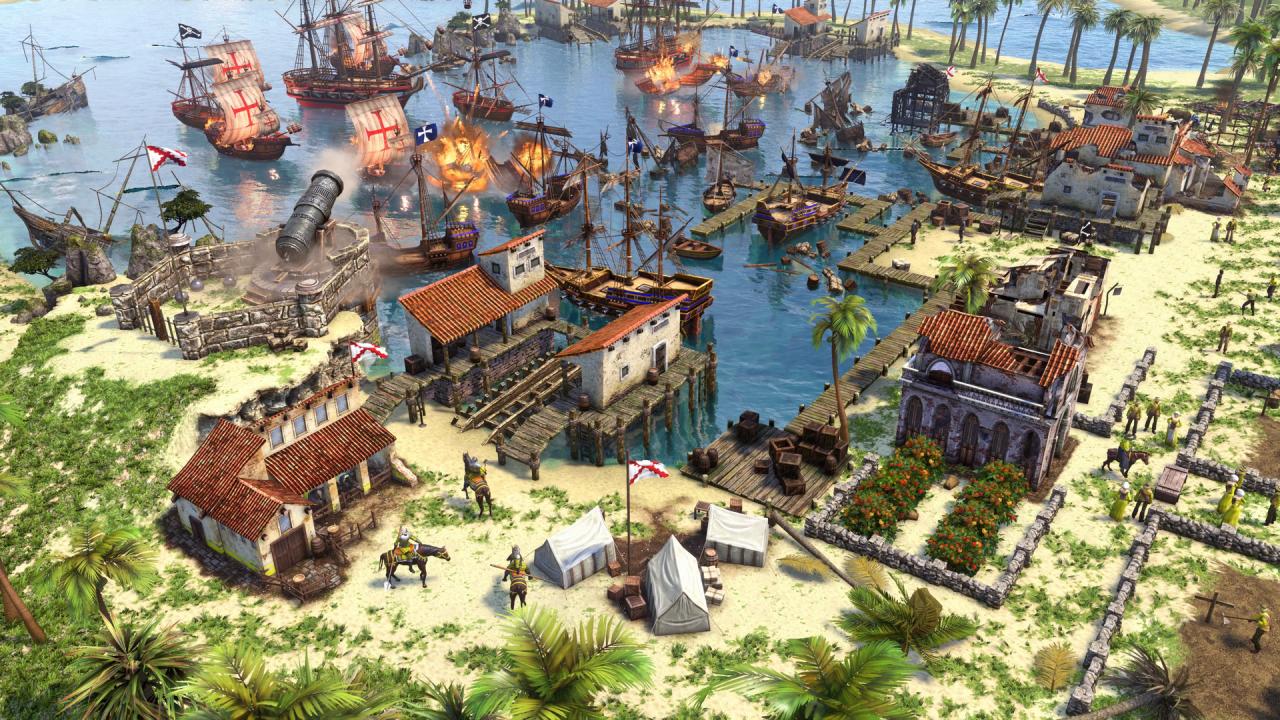

Age of Empires III: Definitive Edition PC Windows CD Key

$15.42

1 in stock

Category: Tag:

Description

Age of Empires III: Definitive Edition completes the celebration of one of the most beloved real-time strategy franchises in definitive form with enhanced features and modernized gameplay.Command mighty civilizations from across Europe and the Americas or jump to the battlefields of Asia in stunning 4K Ultra HD graphics and with a fully remastered soundtrack.Now featuring two new game modes: Historical Battles and The Art of War Challenge Missions, including all previously released expansions and all 14 civilizations, plus two brand new civilizations – the Swedes and Inca.Head online to challenge other players with updated online multiplayer with cross network play and enjoy modern gaming features including spectator modes and mod support.Complete your collection with this final chapter in the Age of Empires Definitive Edition journey.

Additional information

Developers

Forgotten Empires, Tantalus Media

Publishers

Xbox Game Studios

Genres

Strategy

Platform

Other

Languages

Chinese, English, French, German, Italian, Japanese, Korean, Portuguese, Portuguese – Brazil, Russian, Spanish, Turkish

Release date 2020-10-15
Age rating PEGI 16
Metacritic score 77
Regional limitations 3

Reviews

There are no reviews yet.

Be the first to review “Age of Empires III: Definitive Edition PC Windows CD Key”

Your email address will not be published. Required fields are marked *

Windows
Requires a 64-bit processor and operating system OS: Windows 10 version 18362.0 or higher Processor: Intel i3-2105 @ 3.1GHz or AMD Phenom II X4 973 with an average CPU Passmark score of 3735 or better Memory: 8 GB RAM Graphics: GeForce GT 430, Radeon HD 5570, or Intel HD 4400 with an average Passmark G3D Mark of 570 or better DirectX: Version 11 Network: Broadband Internet connection Storage: 42 GB available space Additional Notes: 2 GB VRAM
Select the Start button, then select Xbox. Sign in. If you don’t have a Microsoft account, sign up. If you’ve ever installed games from the Windows Store, use the same Microsoft account here. Select My games. Games you have on that device will appear there. Click on Find games in the Store. Select Redeem code option and enter your xxxxx-xxxxx-xxxxx-xxxxx-xxxxx key.